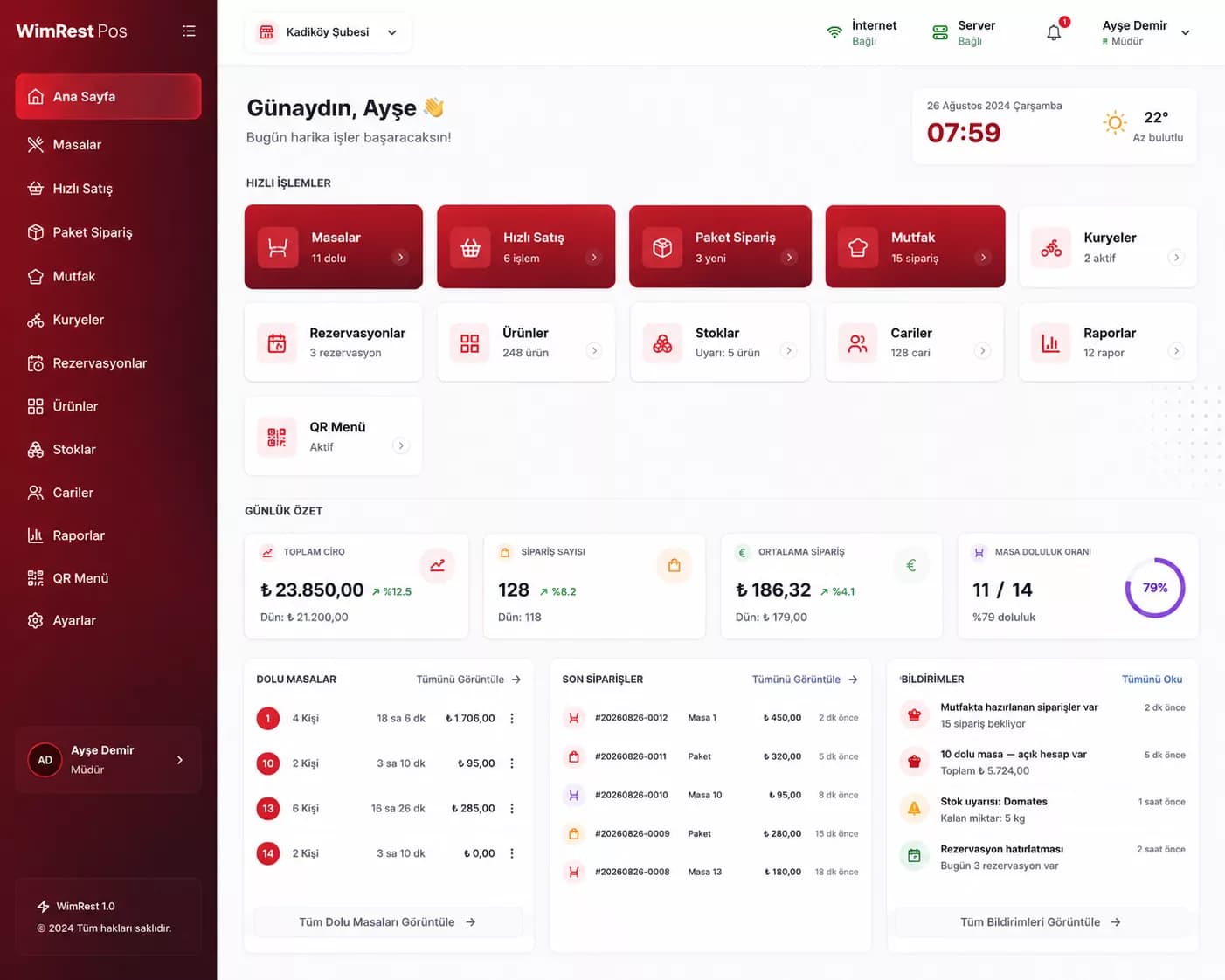
One platform, the whole service
Dine-in, takeaway, courier, pickup and QR orders all flow into the same check. From order to payment, from stock to end of day, there is no second program in between.
Open your WimRest POS system in minutes!
The new-generation restaurant operating system
Checks, kitchen display, QR menu, stock and end of day in one system. Easy to learn and fast to use in a busy service — servers and cashiers are productive from day one.




The courier picker is no alphabetical list: whoever is free, close and lightly loaded comes first; locations stream live across the map.
Address, sequence and status of every delivery order on one screen. A delivered order hits the board instantly.
ExploreDine-in, takeaway, courier, pickup and QR orders all flow into the same check. From order to payment, from stock to end of day, there is no second program in between.
Set up your tables, areas, menu and printer groups the way you work. The system grows as you open branches: the menu stays shared, prices can differ per branch.
Seconds matter during the evening rush: large touch targets, screens you can use with one hand. If the fiscal printer fails the check still closes and the receipt waits in the queue.
Four surfaces on one account, plus matching hardware: one chain that takes the order, drops it to the kitchen, closes the till and shows the numbers.
From the floor plan to the kitchen display, from the QR menu to end of day — every step of service in the same place.
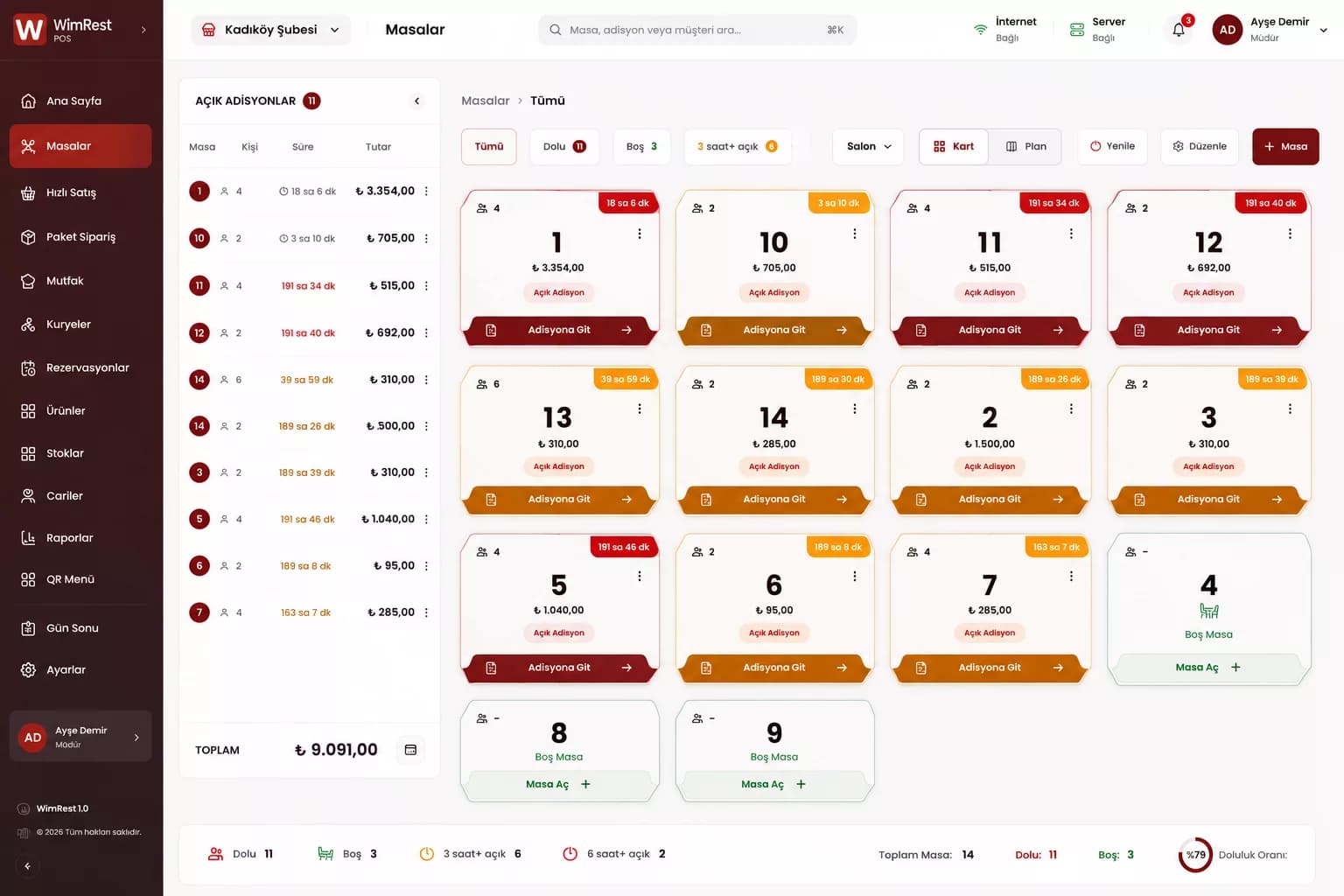
Lay out your tables by area and see occupancy at a glance. Open a check, add items, move or merge tables. Settle in cash, card, meal card — or split the bill.
ExploreA server sees only their own branch's floor and cannot close a check. A cashier takes payment, a manager runs the branch. Permissions are not just hidden from the menu — the server verifies them too.
wimqr.com.tr/yourvenue becomes yours. Guests see the menu on their phone and send the order themselves; it reaches the kitchen once a server approves it.
Send fiscal receipts to a modern fiscal printer and group your kitchen and bar printers. If a device fails the receipt waits in the queue — the sale does not stop and the guest is not kept waiting.
A browser is enough: register screen, tablet, laptop or phone. On a phone a mobile interface with a bottom tab bar opens; you do not have to install anything from an app store.
The floor plan, the kitchen queue and the order board refresh on their own. A check closed on one terminal disappears from the other immediately.
Revenue flows from the POS into the panel. Enter your supplier invoices and expenses and see what you earned at the end of the month. No plan difference — it is open to every customer.
WimRest runs in the browser: register screen, tablet, phone and kitchen display. You decide which screen goes where.
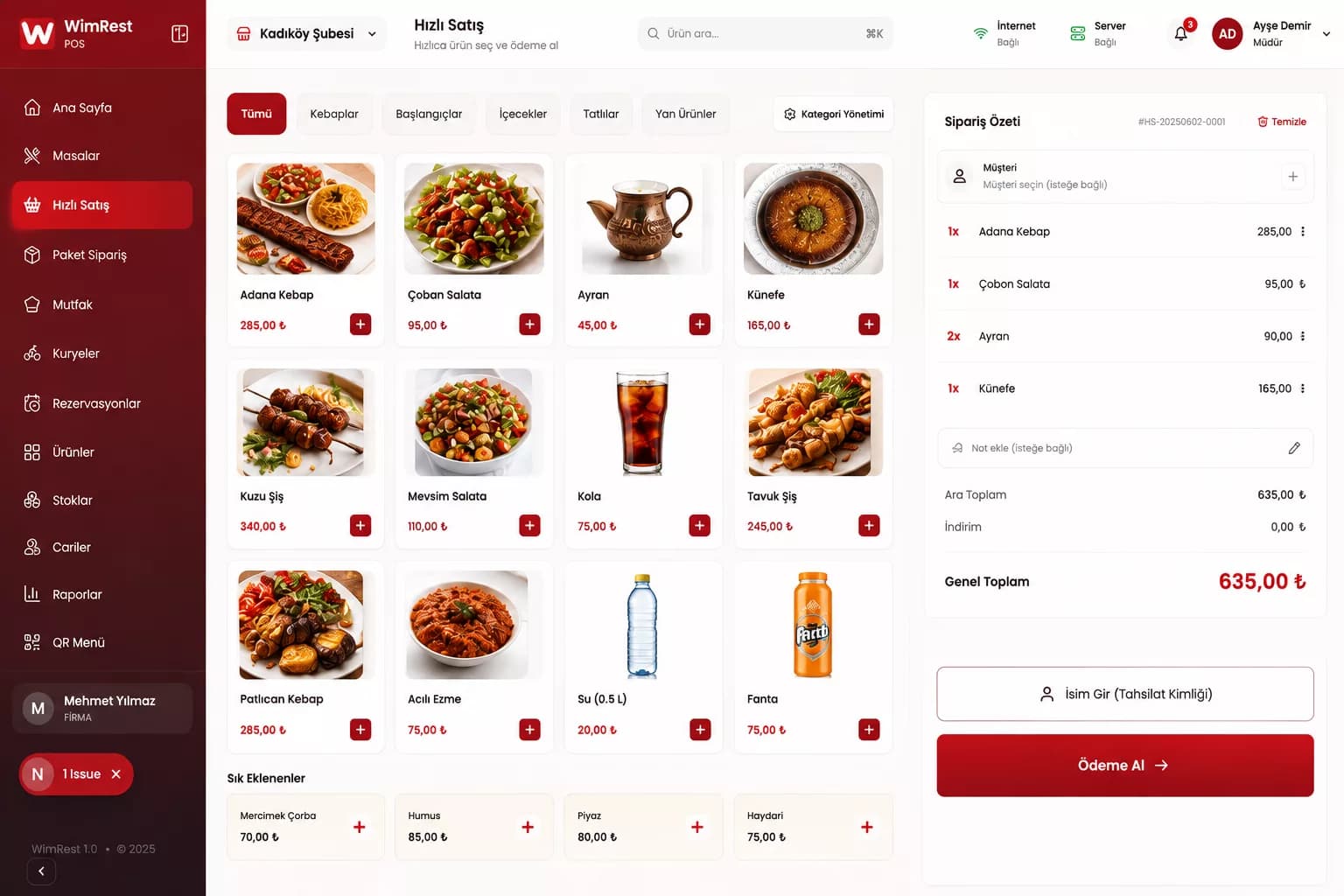
The main screen for the floor plan, checks and payment. The same layout works on a touch register and on a tablet.
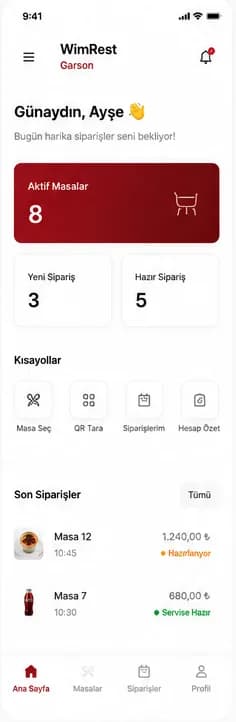
Three tabs at the bottom: home, tables, orders. Enter the order with one hand, standing at the table.
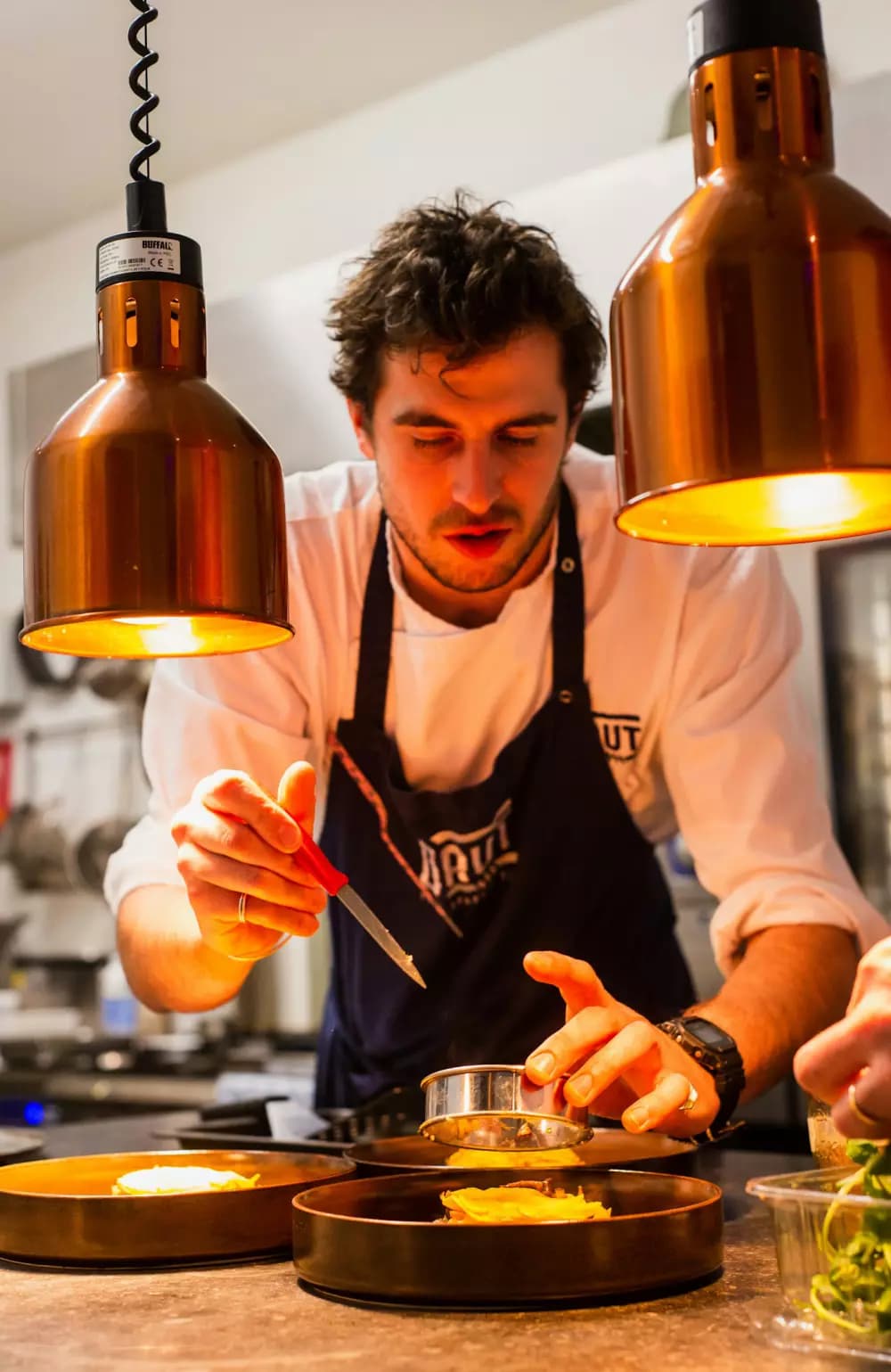
Grill, bar and dessert each see their own queue. Waiting orders are sorted by time, and finished ones light up on the server's screen.
Try it free for 14 days with no setup and no required hardware; upgrade or downgrade your plan anytime.
See All PlansWimRest runs in the browser and forces no special device on you. But if you are opening from scratch, let's plan the register terminal, printer and kitchen display together — with field-proven devices and no compatibility surprises.
See hardware solutionsRegister your venue, add your menu and tables, get your QR address and start selling.
14 days free, no card required. Setup takes three minutes.
Just say how many tables you have; we'll create them.
wimqr.com.tr/yourvenue is yours — stick the codes on the tables.
Open a check, fire the order, close the bill in seconds.
Transparent pricing, no hidden fees. Try it free for 14 days and cancel any time.
Didn't find what you were looking for? You can always write to us.
Try it free for 14 days. No credit card, no setup. Add your menu and tables, and start opening checks today.